Tag zones
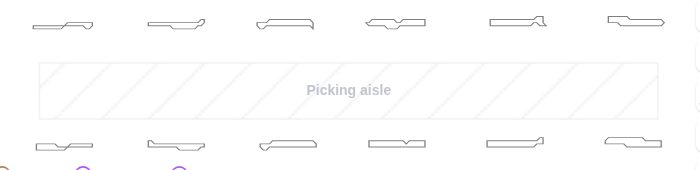
Tag zones are labels on the map. Use them to name areas such as Picking aisle or Goods-in, so that everyone reading the map knows what each part of the site is. They don’t change how robots behave.
Create a tag zone
- In the Map editor, click Add zones on map in the side toolbar and choose the Line tool or the Rectangle tool.
- Enter a Name. Tag zones always need one, because the name is what is shown on the map.
- Select Tag zone as the Type and click
Create zone. - Draw the zone on the map.
Tag zones are shown as hatched areas. To show or hide their names, click the eye icon (Elements) in the top toolbar and check or uncheck Tag zone names.
For the general steps to add and edit zones, see Zones.