Forbidden zones
Forbidden zones are areas of the map that robots must not drive through, for example a pedestrian walkway or an area under maintenance. Paths that cross a forbidden zone turn grey and are no longer used to plan routes. Robots take other paths around the zone instead.
Create a forbidden zone
- In the Map editor, click Add zones on map in the side toolbar and choose the Line tool or the Rectangle tool.
- Select Forbidden zone as the Type and click
Create zone. - Draw the zone on the map.
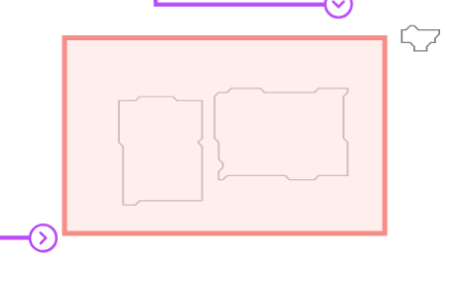
Forbidden zones are shown as red areas. Paths that cross them are shown in grey, and routes use the paths around them instead:
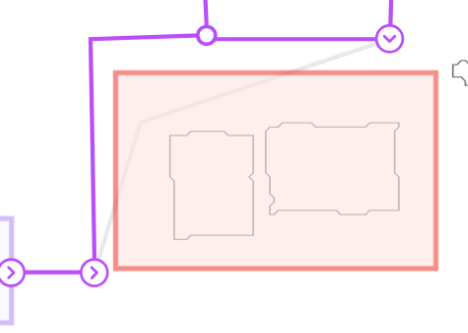
When you delete a forbidden zone, its paths can be used again.
For the general steps to add and edit zones, see Zones.