Speed limit zones
Speed limit zones are areas of the map where robots must drive slower, for example where there are many people or sharp turns. In the Map editor, they are called Speed zone.
Create a speed limit zone
- In the Map editor, click Add zones on map in the side toolbar and choose the Line tool or the Rectangle tool.
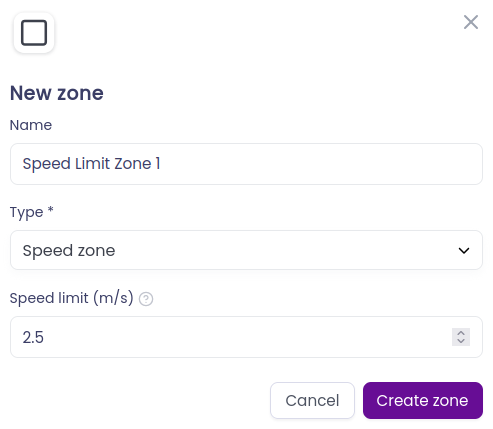
- Select Speed zone as the Type and enter the Speed limit (m/s): the maximum speed of robots inside the zone, in metres per second.
- Click
Create zoneand draw the zone on the map, across the paths where robots should slow down.
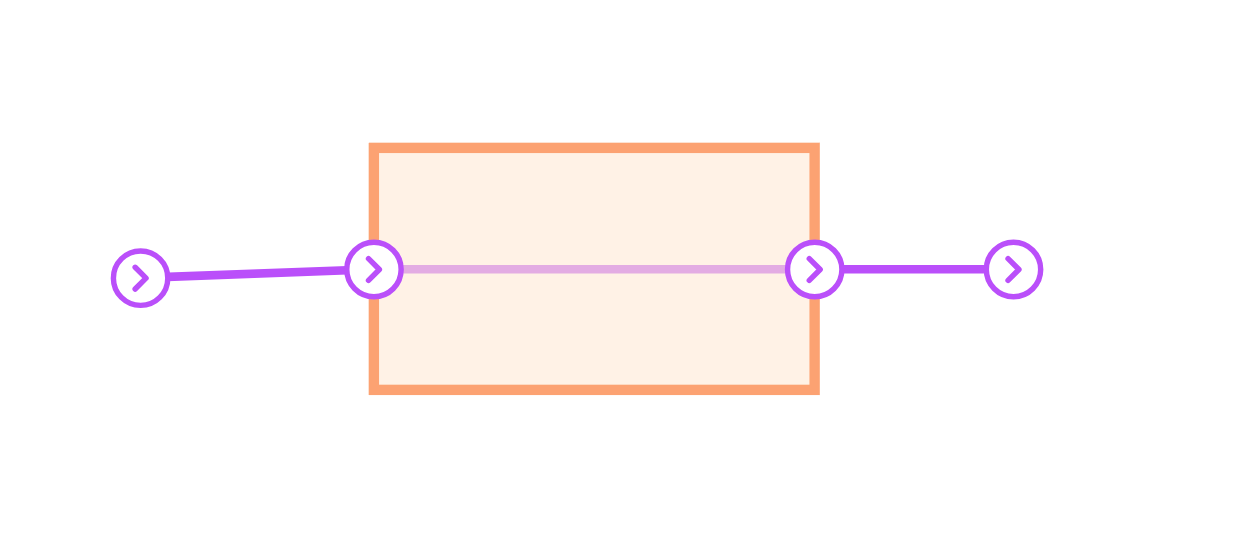
Where the zone crosses a path, Meili creates an entry and an exit station, so the speed limit only applies to the part of the path inside the zone.
To change the speed limit later, click the zone on the map.
How speed limit zones work
All the paths that were inside the speed limit zone when the zone was created will have their speed limit set to the value defined in the zone. If new paths are created and are inside the zone, or have a part of the path inside the zone, the speed limit will be applied to them as well.
When you delete a speed limit zone, its paths go back to their previous speed limit.
Speed limit zone layout
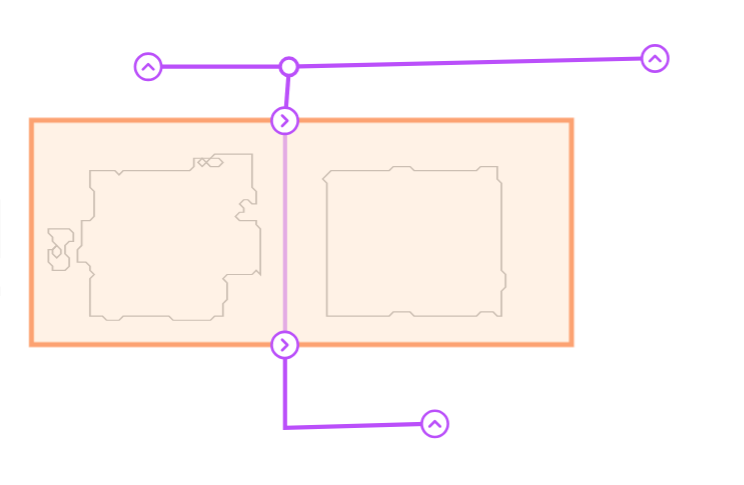
For the general steps to add and edit zones, see Zones.