Manage organisation communication channels
Create a communication channel
To configure the On-robot Meili Agent you must set up your vehicles fleet in the FMS.
-
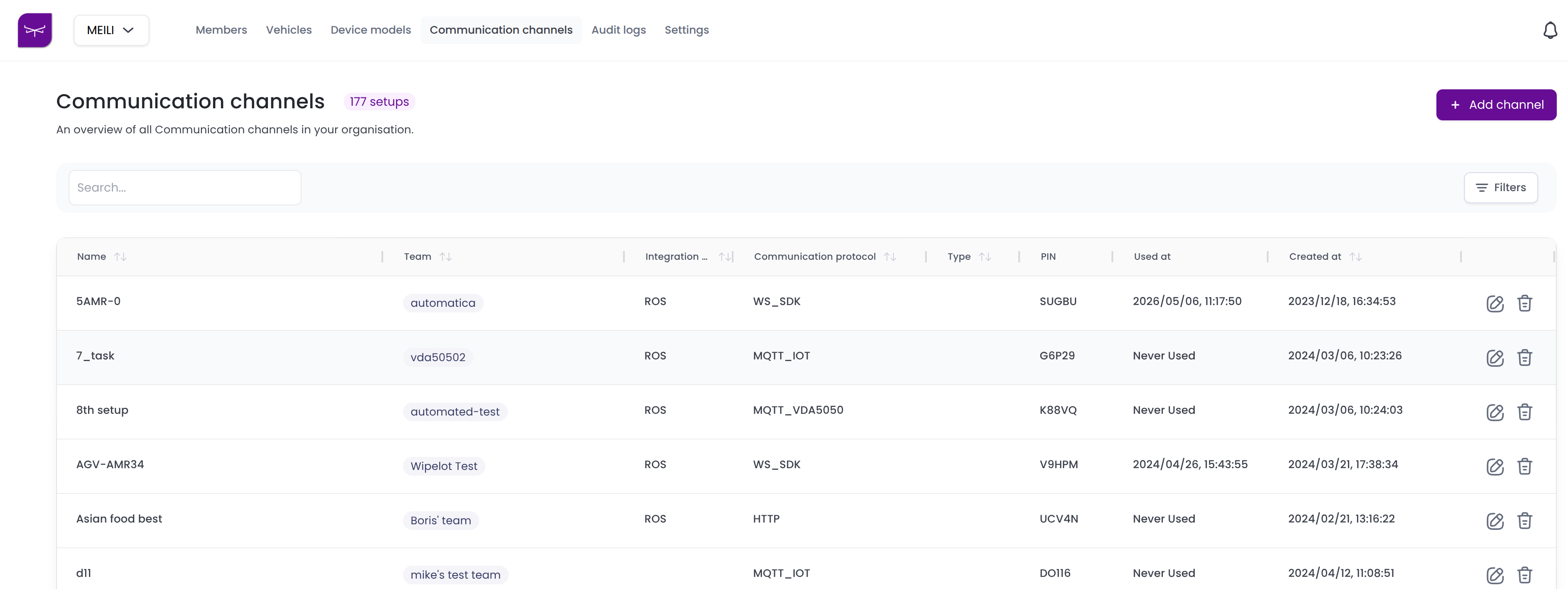
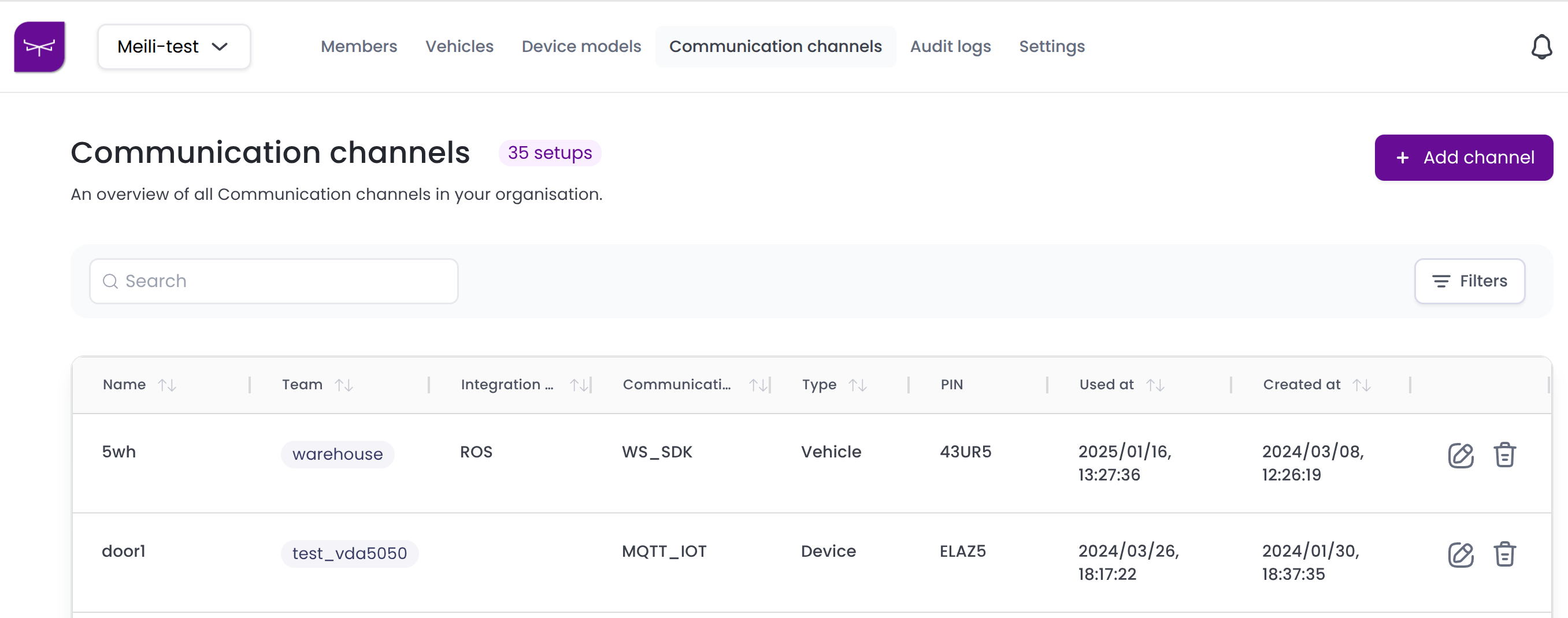
Go to the Communication channels tab and click + Add channel.
-
Fill in the New communication channel form:
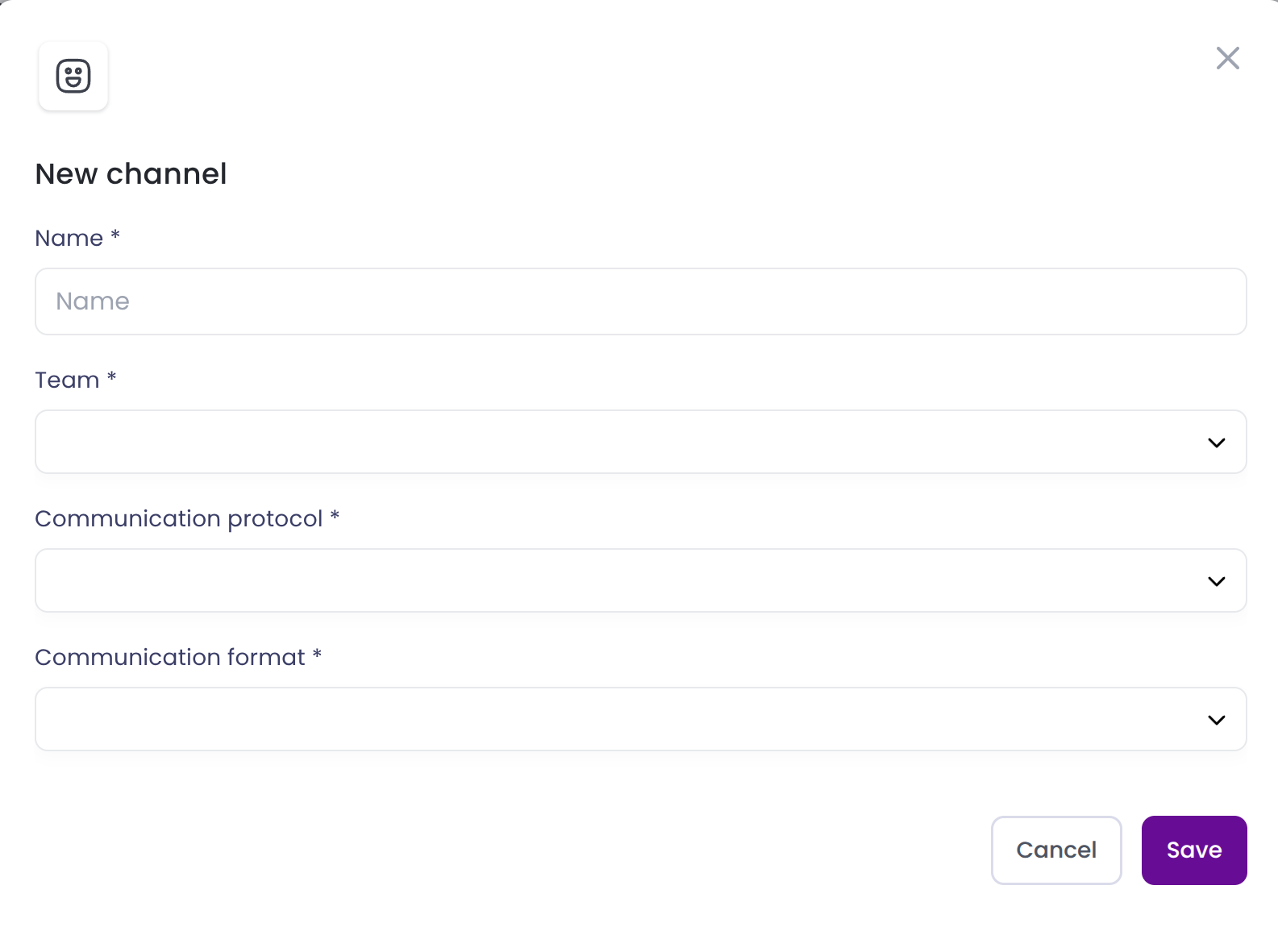
- Enter a unique name for the setup.
- Select the team that will use this fleet setup.
- Select one of the supported Communication protocols between the new fleet and the FMS:
- MQTT_IoT: Used for IoT devices that communicate using MQTT protocol.
- MQTT_SDK: Used for vehicles that use the MQTT communication protocol defined and supported in Meili SDK - MQTT client.
- MQTT_VDA5050: Used for vehicles that support VDA5050.
- WS_SDK: Used by vehicles that communicate with Meili FMS using websocket protocol, defined and supported in Meili SDK - WebSocket client.
- OPC_UA: Used for IoT devices that use OPC protocol. It is necessary to install the MQTT-OPC bridge provided by Meili to enable this type of communication. For more information go to OPC UA devices.
- (Only for IoT devices) Select one of the supported Communication formats:
- RAW: unprocessed data.
- YAML: human readable data serialization format.
- JSON: JavaScript Object Notation, used to send structured M2M data.
- XML: eXtensible Markup Language, used for complex configurations.
- Choose a Setup type. This defines the configuration settings that your fleet will adhere to:
- Vehicles: For controlled and uncontrolled vehicles
- Device Model: IoT devices (e.g. doors, gates, etc.)
These selections determine how your fleet will communicate within your organisation.
-
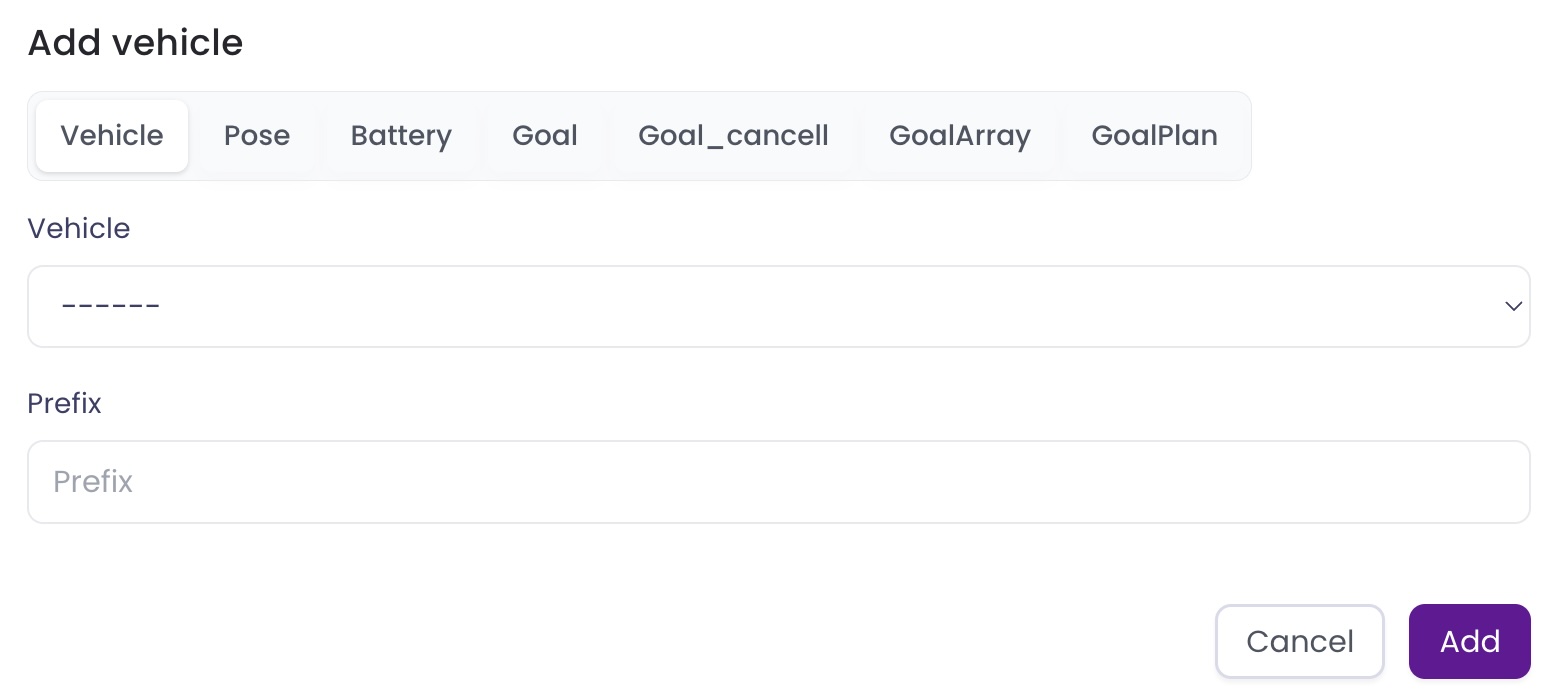
Add vehicles or devices to the fleet depending on the selected Setup type.
-
Vehicles:
-
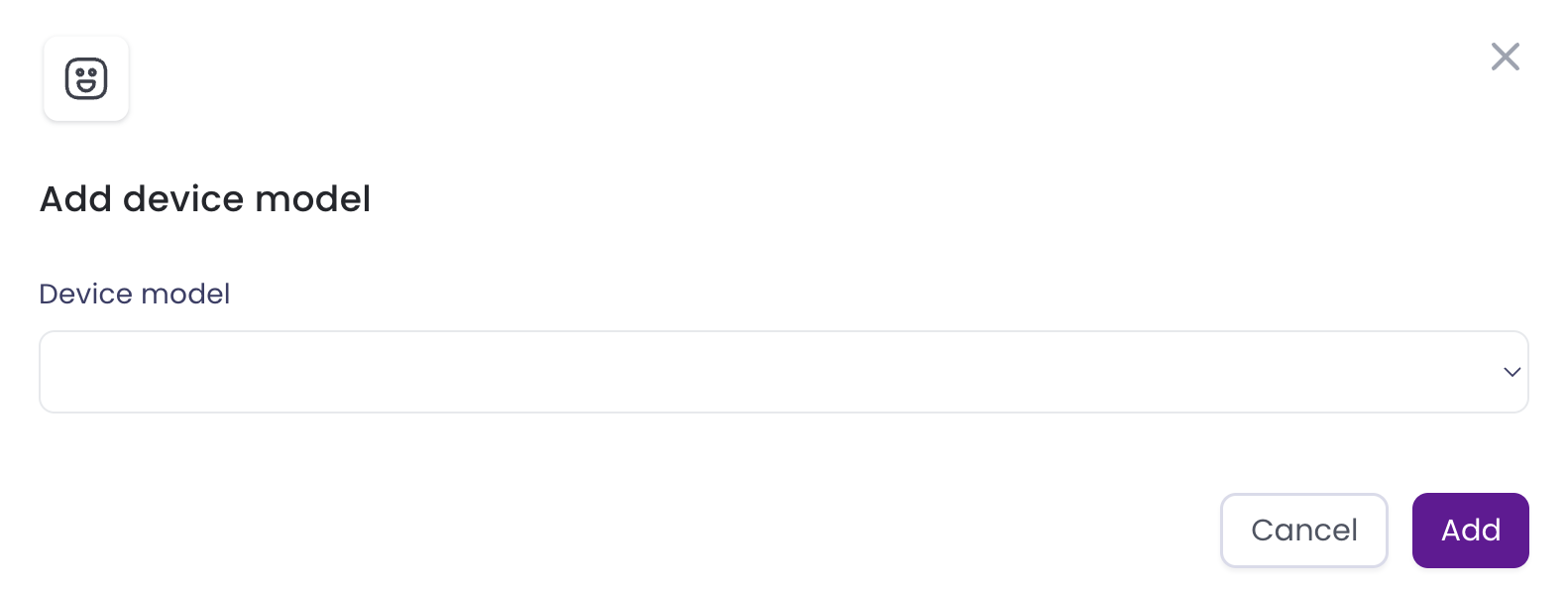
Device Model:
-
-
Once added, the vehicles or devices will be listed on the form.
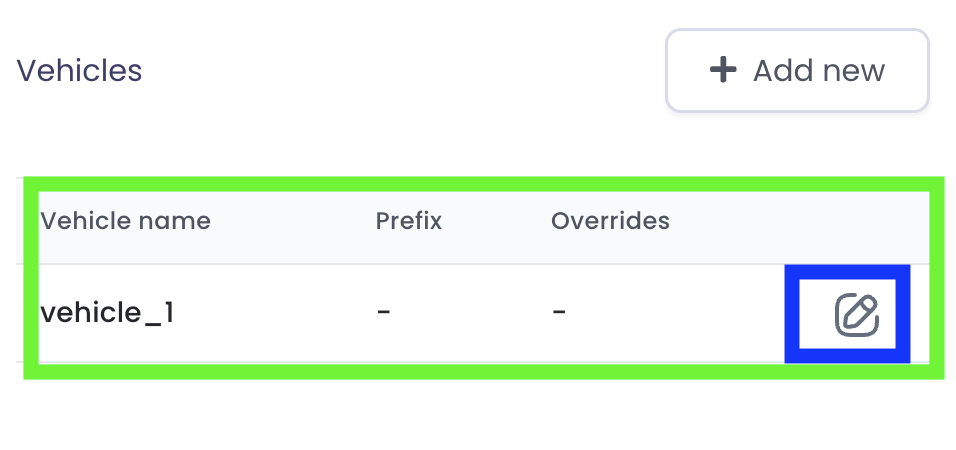
The settings button (in the blue square) lets you change the configuration.
-
Click Save. Your new communication channel and its pin will be listed in the Communication channels table.