Maps
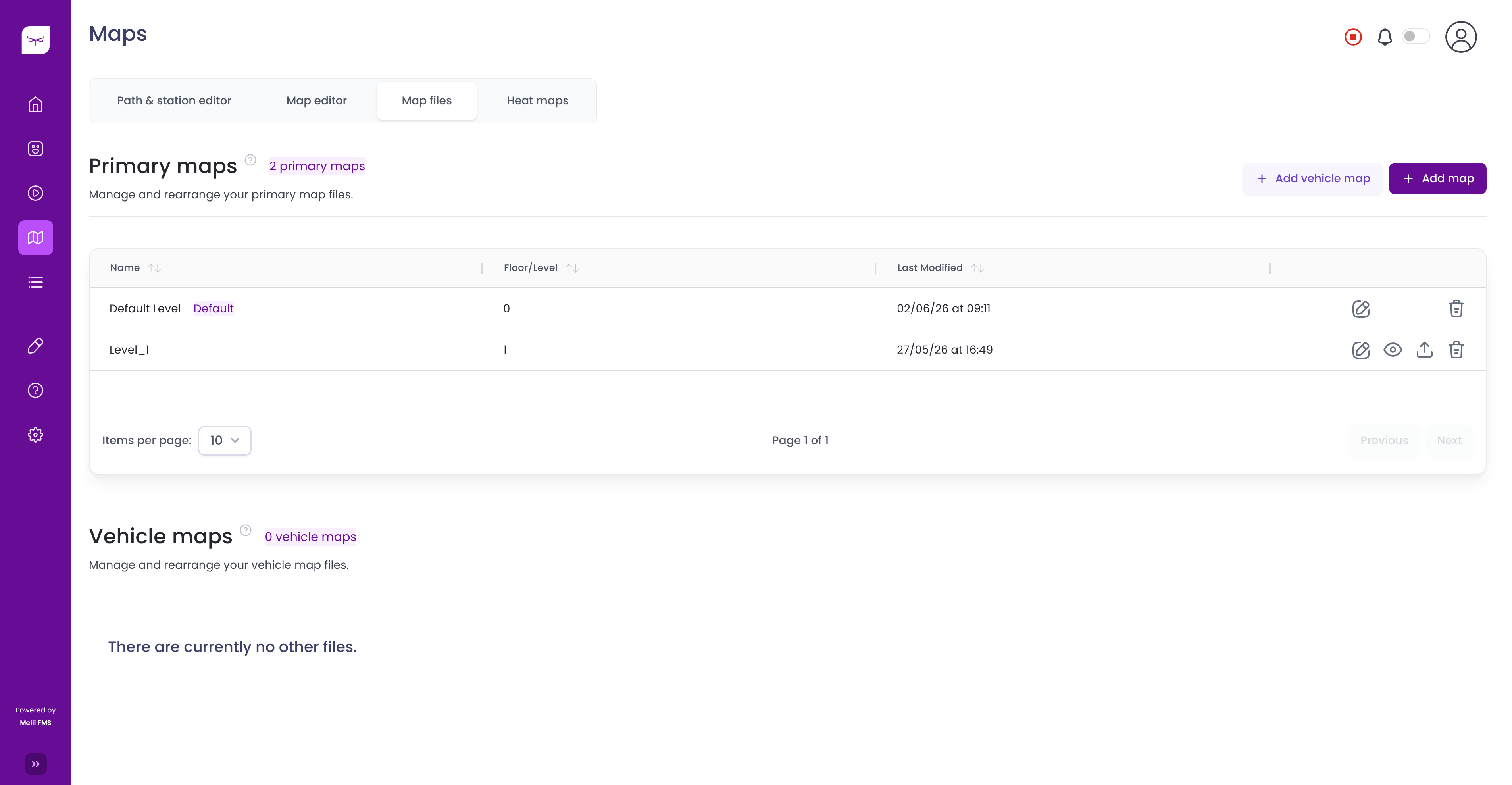
The Maps section allows you to upload, manage, and edit the maps used by your fleet. It is divided into the following sections:
Map filesUpload, organise, download and delete primary and vehicle maps.
Map editorEdit your map with stations, paths, zones and obstacles, then send it to your robots.
Stations and pathsCreate and edit the stations robots drive to and the paths they follow between them.
Heat mapsVisualise where your fleet spends its time.
ZonesMap areas that automate actions, limit traffic and manage charging.
Map format descriptionThe occupancy grid format used for map files.
When you access the Maps page for the first time, if no maps have been uploaded, you will automatically be redirected to the Map Files tab. From there, click Add Map to upload your first map.