Maps #
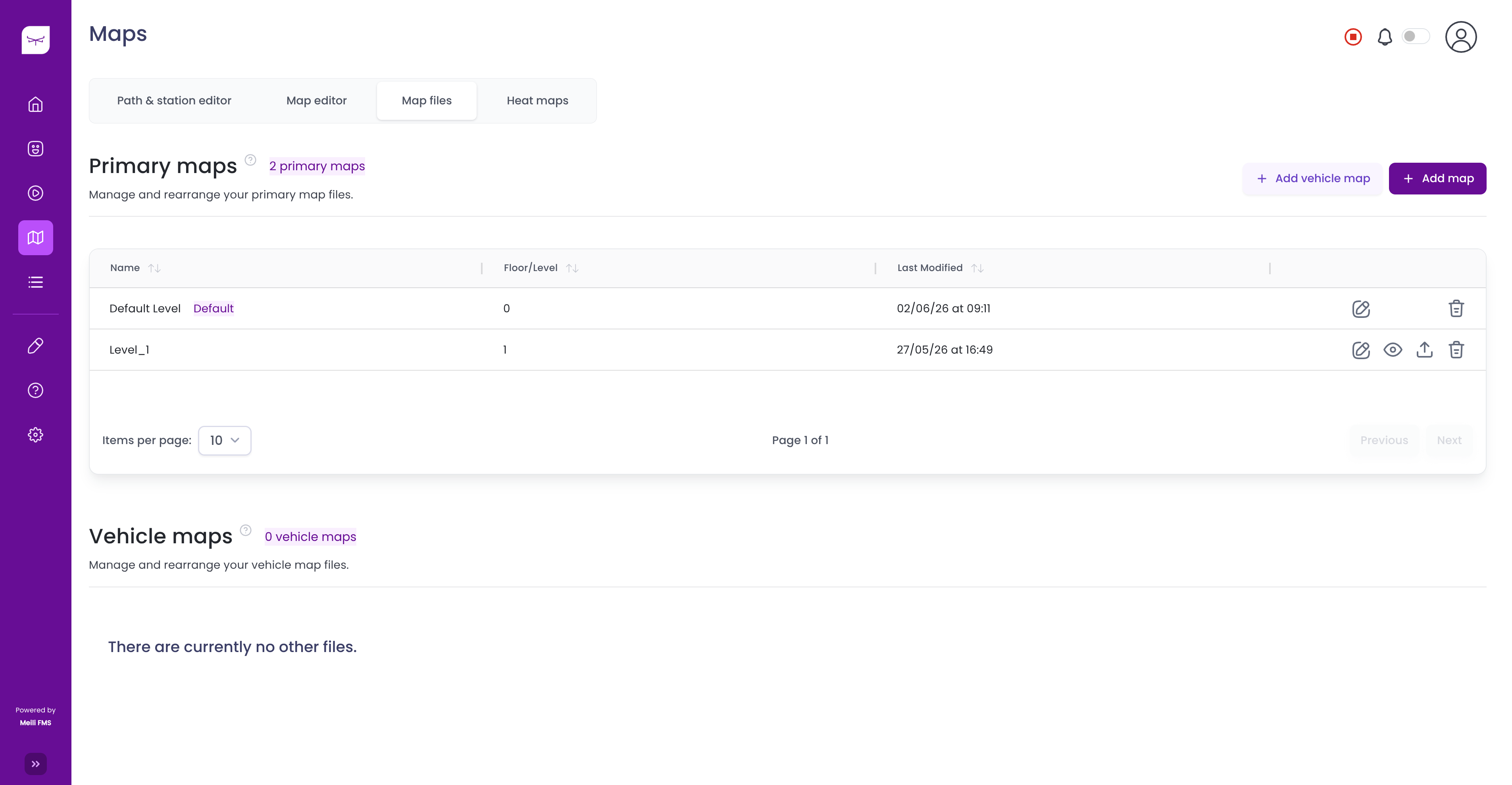
The Maps section allows you to upload, manage, and edit the maps used by your fleet. It is divided into the following sections:
- Map Files – Upload, organize, download, and delete map files.
- Map Editor – Edit maps by adding zones or modifying map elements.
- Path & Station Editor – Create and manage paths, stations, and navigation points.
- Heat Maps – View heat maps generated from vehicle activity.
When you access the Maps page for the first time, if no maps have been uploaded, you will automatically be redirected to the Map Files tab. From there, click Add Map to upload your first map.